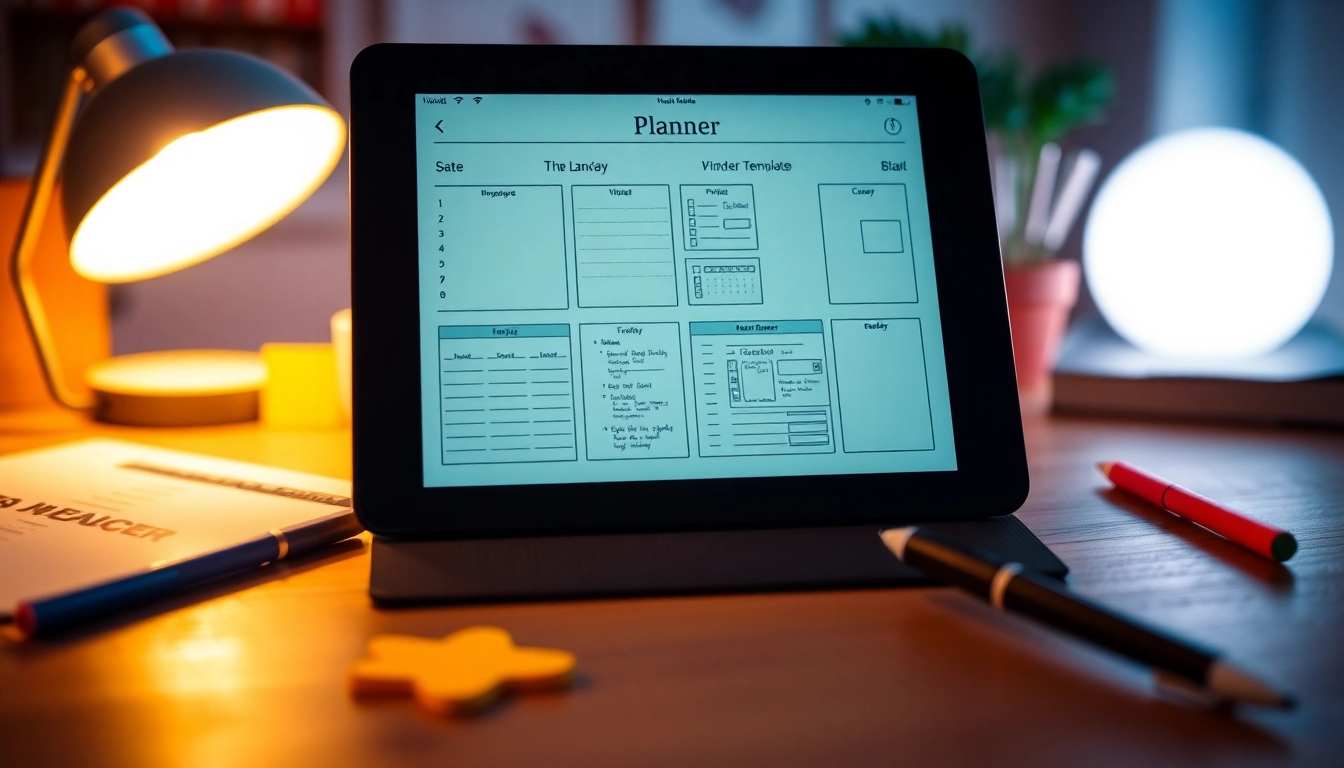
Understanding Planners for Kindle Scribe
What are Planners for Kindle Scribe?
Planners for Kindle Scribe represent a new wave of digital organization tools designed specifically for Kindle Scribe's unique e-ink technology. These planners are not just traditional calendars or to-do lists, but interactive digital systems that allow users to manage their time, tasks, and goals more effectively. Utilizing the responsiveness of the Scribe's touchscreen, these planners integrate handwritten notes, hyperlinked navigation, and customizable layouts, making planning both efficient and enjoyable.
Benefits of Using Planners for Kindle Scribe
One of the major advantages of using Planners for Kindle Scribe is the ability to have everything in one place. Unlike conventional paper planners, these digital versions do not require separate devices or tools, drastically reducing clutter while enhancing organization. Furthermore, they offer features that promote time management, such as reminders and habit tracking, accessibility from anywhere, and the ability to easily adjust plans as life changes. The eco-friendly aspect of digital planners also contributes to their appeal, as they reduce paper waste.
Choosing the Right Planner Type
There are numerous types of planners available for the Kindle Scribe, each catering to different needs. Daily planners focus on scheduling day-to-day activities in detail, while weekly and monthly planners offer broader overviews. Specialty planners can be tailored for specific purposes, such as academic planning, budgeting, or meal tracking. Selecting the correct type comes down to individual preferences, planning style, and organizational needs.
Setting Up Your Kindle Scribe for Planning
Preparing Your Device for Planner Downloads
Before you can begin using planners with your Kindle Scribe, it's critical to ensure that your device is correctly set up. Start by checking for necessary firmware updates to ensure compatibility with the planners you intend to download. A fully updated device provides better performance and access to the latest features. Additionally, having a reliable internet connection is essential for downloading planner documents smoothly.
How to Upload Planners to Kindle Scribe
Uploading planners to your Kindle Scribe is a straightforward process. Most planners come in PDF format, optimized for e-ink display. To upload, simply download the planner to your computer, and then connect your Kindle Scribe via USB or email the PDF to your Kindle email address, ensuring you follow the right size specifications. Once uploaded, open your planner on the device, and you're ready to start organizing your life.
Choosing the Right File Format for Upload
When selecting planners for your Kindle Scribe, file format is key. The best formats are generally PDF or specially designed Kindle documents, as these ensure that the layout and formatting of the planner maintain their integrity on the device. Avoid formats that may not translate well to the e-ink display, such as Word documents or images, as these can lead to a disjointed user experience.
Features to Look for in Planners for Kindle Scribe
Interactive Elements and Hyperlinks
One of the standout features of digital planners is their interactive elements, including hyperlinks. These allow for quick navigation between sections, making it easy to jump from monthly overviews to daily schedules or specific tasks. Look for planners that provide an intuitive interface, as this can enhance user experience significantly, especially for regular planning activities.
Customizability and Layout Flexibility
Customizability is essential for those who wish to tailor their planners to their unique needs. Many digital planners allow users to add, remove, or alter pages, as well as reorganize sections to make them work for individual planning styles. This flexibility can significantly boost productivity by allowing users to design their planners in a way that works best for them.
Integration with Other Productivity Tools
Another functional aspect to consider when selecting planners is their interoperability with other productivity applications. Some planners offer integration with to-do lists, calendars, and time tracking apps, streamlining the planning process. This capability aids in maintaining a cohesive organizational system, which can enhance both efficiency and productivity over time.
Top Recommendations for Planners for Kindle Scribe
Daily Planners for Enhanced Productivity
Daily planners are ideal for individuals who like to organize their day in detail. These planners typically feature segments for hourly scheduling, reminders, and even space for notes or reflections. Users can visually break down their day into manageable segments, allowing for focused periods of work interspersed with breaks, leading to improved productivity.
Monthly and Weekly Layout Options
For a broader perspective, monthly and weekly planners are invaluable. They allow users to mark important dates, deadlines, and appointments at a glance, facilitating better long-term planning. The visual nature of these layouts can help prioritize tasks and manage workloads effectively, reducing the overwhelming feeling that can accompany busy schedules.
Specialty Planners for Specific Needs
Specialty planners cater to niche planning needs, such as fitness tracking, travel planning, or financial budgeting. They often include unique templates that provide structure to these specific challenges. Selecting a specialty planner can empower users to stay on top of particular goals or projects, enhancing overall organizational effectiveness.
Tips for Maximizing Efficiency with Planners for Kindle Scribe
Best Practices for Daily Planning
To make the most out of your daily planning routine, set aside time each morning or evening to review your planner. This provides an opportunity to adjust tasks or priorities as needed. Use color coding for different tasks or priorities to enhance visibility; this simple change can lead to better time management and focus during the day.
Using Habit Trackers and Goal Setting
Integrating habit trackers into your planner can provide additional insights into daily routines and productivity levels. Setting clear, measurable goals will keep your focus sharp. Regularly review these goals to track your progress and adjust as necessary; this reflects performance and reinforces commitment to personal achievements.
Creating a Sustainable Planning Routine
Establishing a sustainable routine around your planning is crucial for long-term success. Designate specific times for reviewing and planning, and stick to these commitments as closely as possible. The consistent practice will help reinforce the habit and make planning feel like a natural part of your daily routine. Periodically reassessing your strategies ensures that your methods remain effective over time.
Frequently Asked Questions
Can you put a planner on Kindle Scribe?
Yes, you can upload planners to your Kindle Scribe in compatible formats, mainly PDFs, using USB connection or emailing them directly to your device.
Does Kindle have a planner?
While Kindle's primary function is for reading, digital planners designed for it offer functionality for tracking schedules, tasks, and goals in an organized manner.
Are planners customizable on Kindle Scribe?
Yes, many planners for Kindle Scribe allow users to customize layouts, pages, and sections to better fit personal planning styles and preferences.
What features enhance digital planners?
Key features include interactive elements like hyperlinks, layout flexibility for custom organization, and integrations with other productivity tools for streamlined planning.
How often should I use my planner?
Ideally, review your planner daily to keep up with immediate tasks, while weekly reviews are beneficial for long-term planning, adjustments, and goal tracking.